
Fiber Laser Welding Machine Maintenance Guide
 Protective Lens Cleaning and Replacement Methods
In daily use of a fiber laser welding machine, the stability and performance of the equipment depend not only on the laser source and control system but also on proper maintenance of key optical components. Among them, the protective lens is one of the most critical consumable parts, directly affecting laser transmission efficiency and welding quality.
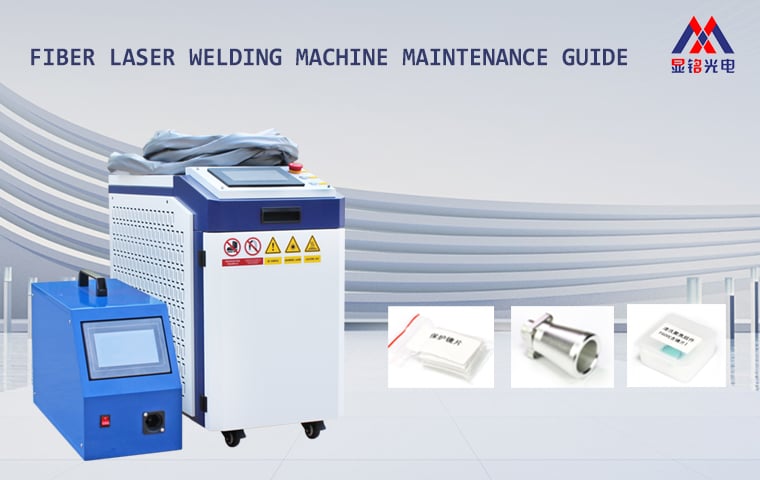
During laser welding, smoke, spatter, and metal debris are generated. These contaminants can easily accumulate on the protective lens surface. If not cleaned or replaced regularly, they may reduce laser power, affect weld quality, and even damage internal optical components. Therefore, routine inspection and maintenance of the protective lens are essential.
 When to Inspect or Replace the Protective Lens
Check the lens immediately if you notice any of the following:
 Welding results become inconsistent or uneven
Laser power output decreases noticeably
Dust, grease, or burn marks appear on the lens surface
Laser beam suddenly weakens or becomes unstable
If the lens is heavily contaminated, burned, or cracked, replace it immediately to prevent further equipment damage.
 Preparation for Lens Cleaning
The protective lens is a precision optical component, so cleaning must be handled carefully. Prepare the following tools:
Air blower
Lens cleaning paper
Lint-free cotton
99%+ industrial alcohol
Dust-proof adhesive tape
Finger cots or rubber gloves
Before cleaning, wash and dry your hands thoroughly, then wipe them with alcohol to avoid fingerprints or dust contaminating the lens.
 Steps for Cleaning and Replacing the Protective Lens
 Power off the laser equipment for safety.
In a relatively dust-free environment, remove the protective lens cover and screws.
Take out the lens holder and inspect the lens condition.
Use alcohol-dipped lens paper to gently wipe the lens surface in one direction.
Replace the lens immediately if burn spots or cracks are present.
Check the sealing ring below the lens for wear or deformation; replace it if damaged.
Clean the interior of the lens chamber, reinstall the lens holder, and securely tighten screws.
After installation, test the laser output to ensure normal operation.
 Practical Tips
Protective lenses are consumables; replace them regularly.
Avoid touching the lens surface or applying excessive pressure during cleaning.
Perform maintenance in a clean environment whenever possible.
Keep spare lenses in stock to minimize downtime.
Different handheld welding heads may have slightly different replacement methods; contact Xianming Laser for detailed instructions for your model.
Proper maintenance of the protective lens not only ensures consistent welding performance but also prolongs the lifespan of your fiber laser welding machine and reduces maintenance costs.
Xianming Laser is committed to providing reliable laser equipment and professional technical support to help customers achieve safe, efficient, and stable production.
