
RayTools System Decryption and License Authorization Guide
After the initial installation of a fiber laser cutting machine or after replacing the industrial control computer, the RayTools control system must complete software decryption and registration code authorization before the machine can operate normally.
To ensure stable and safe laser equipment operation, it is recommended to follow the procedures below strictly.
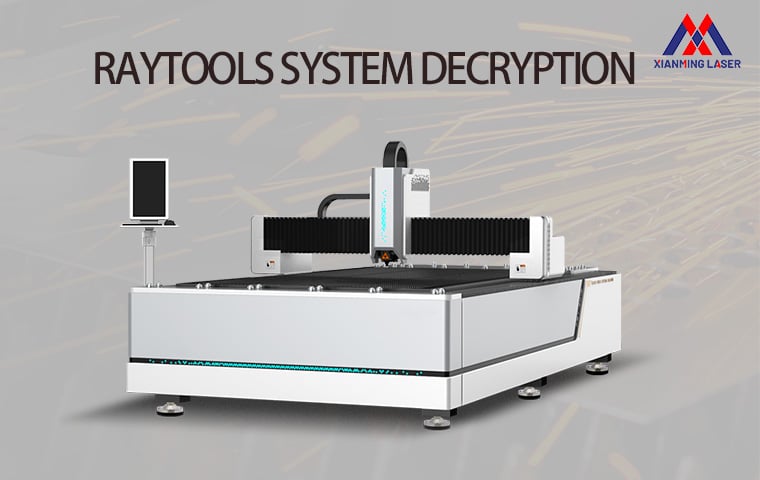
I. Preparation Before Machine Startup
Before activating the RayTools system, please complete the following machine setup and startup preparations:
1.Connect the auxiliary gas supply and ensure the gas pressure and pipeline system are stable and functioning properly.
2.Fill the water chiller with sufficient purified water or dedicated industrial coolant.
3.Properly connect the main power cable of the fiber laser metal cutting machine, ensuring reliable grounding and secure electrical connections.
4.Turn on the main machine power supply and the water chiller power supply sequentially, then wait for the chiller to operate normally.
5.After the water chiller temperature stabilizes above 24°C, switch on the laser source power supply.
6.Start the industrial control computer and launch the RayTools dedicated control software.
II. RayTools Registration Code Activation Procedure
After entering the RayTools software interface, follow the steps below to complete system authorization:
Step 1: Enter the Authorization Interface
Locate and click the “?” (Help) icon in the upper-right corner of the software interface.
Step 2: Open the Registration Window
In the Help menu, find the “Registration Code” input section.
Step 3: Enter the Official Registration Code
Accurately input the authorized registration code into the corresponding field.
Please pay attention to: Uppercase and lowercase letters
 Character format accuracy
 Correct code entry without extra spaces
Step 4: Complete System Authorization
Click the “Register” button.
Once the authorization process is completed successfully, the system will unlock and enter the normal machine operation interface.
III. Important Notes It is strongly recommended to use official and genuine registration codes to avoid system instability caused by unauthorized activation.During the registration process, maintain stable network and power conditions to prevent interruptions or unexpected shutdowns.If the registration code cannot be recognized, please verify whether the software version matches the authorization code, or contact the equipment supplier for technical assistance.After completing authorization, it is recommended to restart the software to ensure all parameters and control functions are fully activated.
By correctly completing the RayTools system decryption and authorization process, users can effectively ensure the operational stability, cutting precision, and production efficiency of fiber laser cutting equipment.
